ZATCA e-invoicing (Fatoora)
QR code invoices for Phase 1, and Fatoora integration for Phase 2 when your wave arrives.
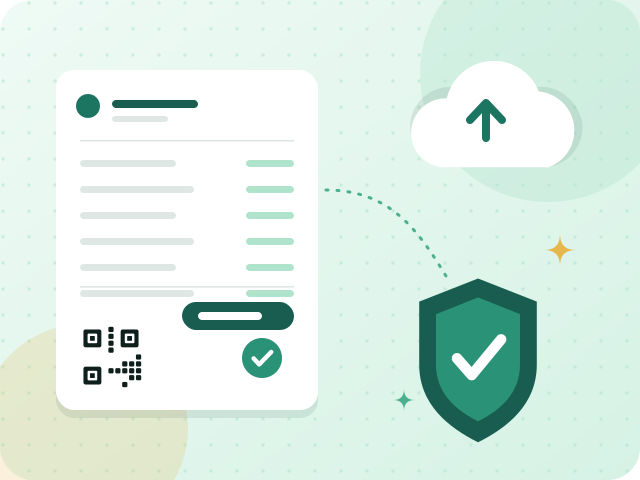
Fatooraz issues invoices in the format Saudi e-invoicing expects. In Phase 1, every invoice is created electronically, locked once issued, and simplified invoices carry a QR code. Phase 2 adds integration with the Fatoora platform: each invoice becomes a stamped XML file sent to ZATCA to be cleared or reported, depending on the buyer. Fatooraz is built for these requirements; you complete onboarding yourself with a one-time code from Fatoora.
What you get
A QR code on every simplified invoice
Receipts and simplified invoices print with the QR code Phase 1 requires, so a customer or an inspector can scan it and read the seller, the date, the total and the VAT amount straight from the invoice.
An issued invoice cannot be changed
Once an invoice is confirmed it can no longer be edited or deleted. A mistake is corrected with a credit note and a new invoice, which leaves a clean, ordered trail for any review of your records.
Cleared or reported, depending on the buyer
In Phase 2 a standard invoice to a business is sent for clearance before it reaches your customer, while a simplified invoice to a consumer is issued first and reported within 24 hours. Fatooraz is designed for both paths.
Credit and debit notes follow the same rules
Credit and debit notes are e-invoices too, so they fall under the same e-invoicing rules as the documents they correct. You create them from the original invoice instead of entering its details a second time.
How it works
- 1
Enter your tax details
Enter your company name, VAT number and address once. They appear on every invoice and inside the QR code, so check them carefully before your first real invoice goes out.
- 2
Complete Fatoora onboarding yourself
For Phase 2, you generate a one-time code in the Fatoora portal and enter it in Fatooraz. We guide each step, and onboarding creates the compliance and production certificates that stamp your invoices.
- 3
Issue invoices the way you always do
Confirm an invoice or complete a POS sale as usual. The QR code, invoice counter and stamp are added, and standard and simplified invoices each follow their own clearance or reporting path.
Frequently asked questions
What changes between Phase 1 and Phase 2?
Phase 1 is generation: invoices must be electronic, cannot be altered after issue, and simplified ones carry a QR code. Phase 2 is integration: invoices become stamped XML files that are cleared or reported to ZATCA. ZATCA announces each wave in advance, so follow its announcements for your date.
Do I need to onboard myself?
Yes. Onboarding is done by the taxpayer, using a one-time code from the Fatoora portal. Fatooraz guides you through each step and stores the certificates it creates, but it cannot generate the code on your behalf. Production e-invoicing is enabled after you subscribe and finish onboarding.
What happens during the trial?
The 90-day trial workspace uses ZATCA's simulation environment, which is not production, so no real invoices exist in it. You can practise the whole flow safely. Production e-invoicing is switched on only after you subscribe and complete ZATCA onboarding.
Industries that use this
Related terms
Start with a workspace of your own
Try invoicing, e-invoicing and the point of sale for 90 days. No credit card, no commitment.